Wrong AO Code Entered in PAN Application? How to Correct It
You filled out your PAN application, submitted it, and later realised the AO code was wrong, maybe you picked the wrong ward, used the wrong city, or selected a code meant for a different taxpayer type. First, do not panic. A wrong AO code is one of the more fixable mistakes in the PAN process. Here is what it actually means and how to set it right.
First, How Bad Is a Wrong AO Code?
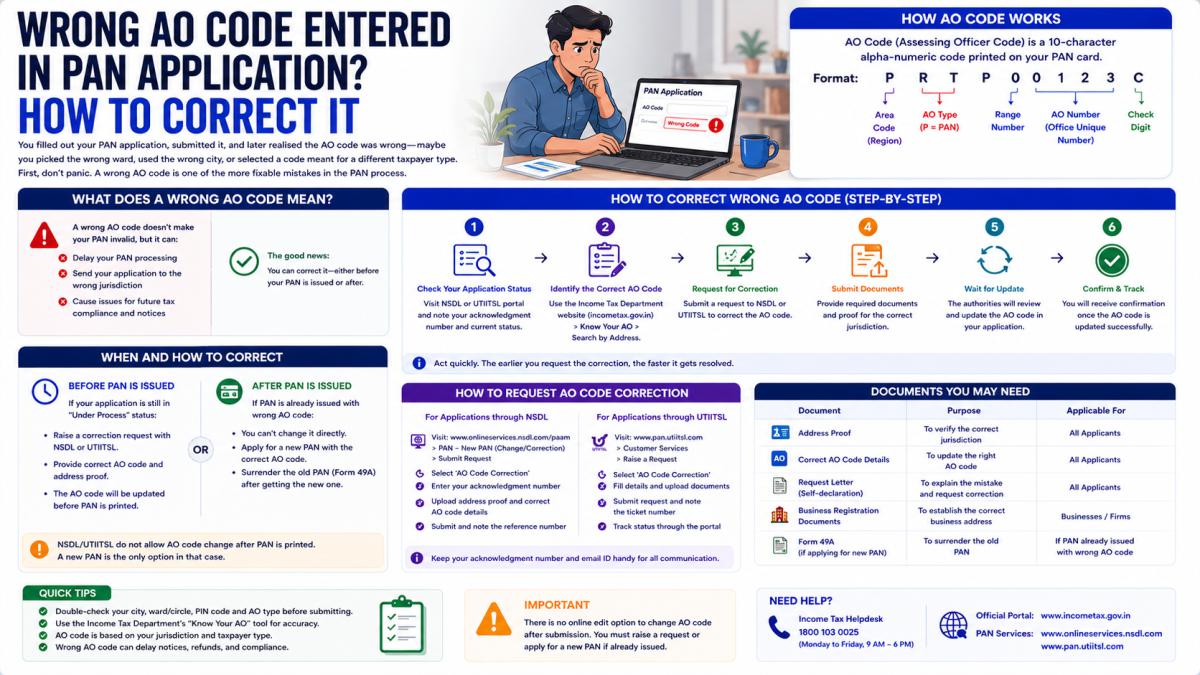
Less bad than you might think. The AO code decides which income tax officer and jurisdiction your PAN sits under. If it is wrong, your file may be parked under an officer who does not cover your area or your taxpayer type. This can cause delays, misrouted notices, or correspondence going to the wrong office. But it does not invalidate your PAN, and it can be corrected. The PAN number itself does not change.
The Key Thing to Understand: You Do Not Edit the AO Code Directly
This trips people up. There is no simple "change AO code" button where you type in a new code. Your jurisdiction is tied to your address and taxpayer category. So correcting the AO code happens in one of two ways depending on what went wrong.
Case 1: The Address Was Right, the Jurisdiction Just Needs Reassigning
If you entered the correct address but the system or your selection put you under the wrong officer, the correction is handled by applying to the officers directly. The standard process is:
- Write an application to your current AO requesting the change, stating the reason.
- Write an application to the correct AO, requesting that they apply to the existing AO for the transfer.
- Your current AO must approve the application.
- Once approved, it is forwarded to the Income Tax Commissioner.
- After the Commissioner approves, your AO is changed.
This is the official migration route for moving jurisdiction between officers.
Case 2: The Address Itself Was Wrong
If the AO code is wrong because the address was wrong, the cleaner fix is a PAN correction. You apply for a Change or Correction in PAN Data, update the address, and the jurisdiction reassigns to match the corrected address. This is done through the official PAN correction application on the Protean (NSDL) portal:
- Go to the Protean PAN services page and choose "Change / Correction in PAN Data".
- Fill in your details and tick the address field under contact details.
- Enter the correct address.
- Upload a matching address proof, pay the fee, and submit.
A corrected PAN is then issued reflecting the right address, and the AO code follows the new address.
How to Confirm What Your AO Code Currently Is
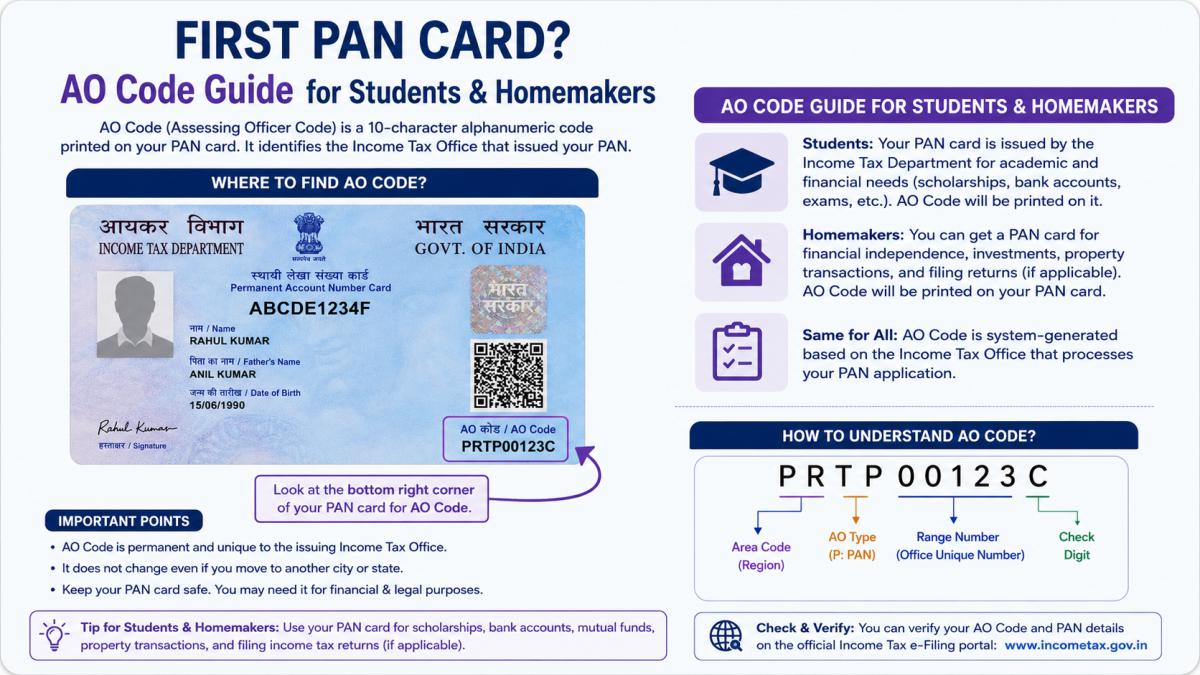
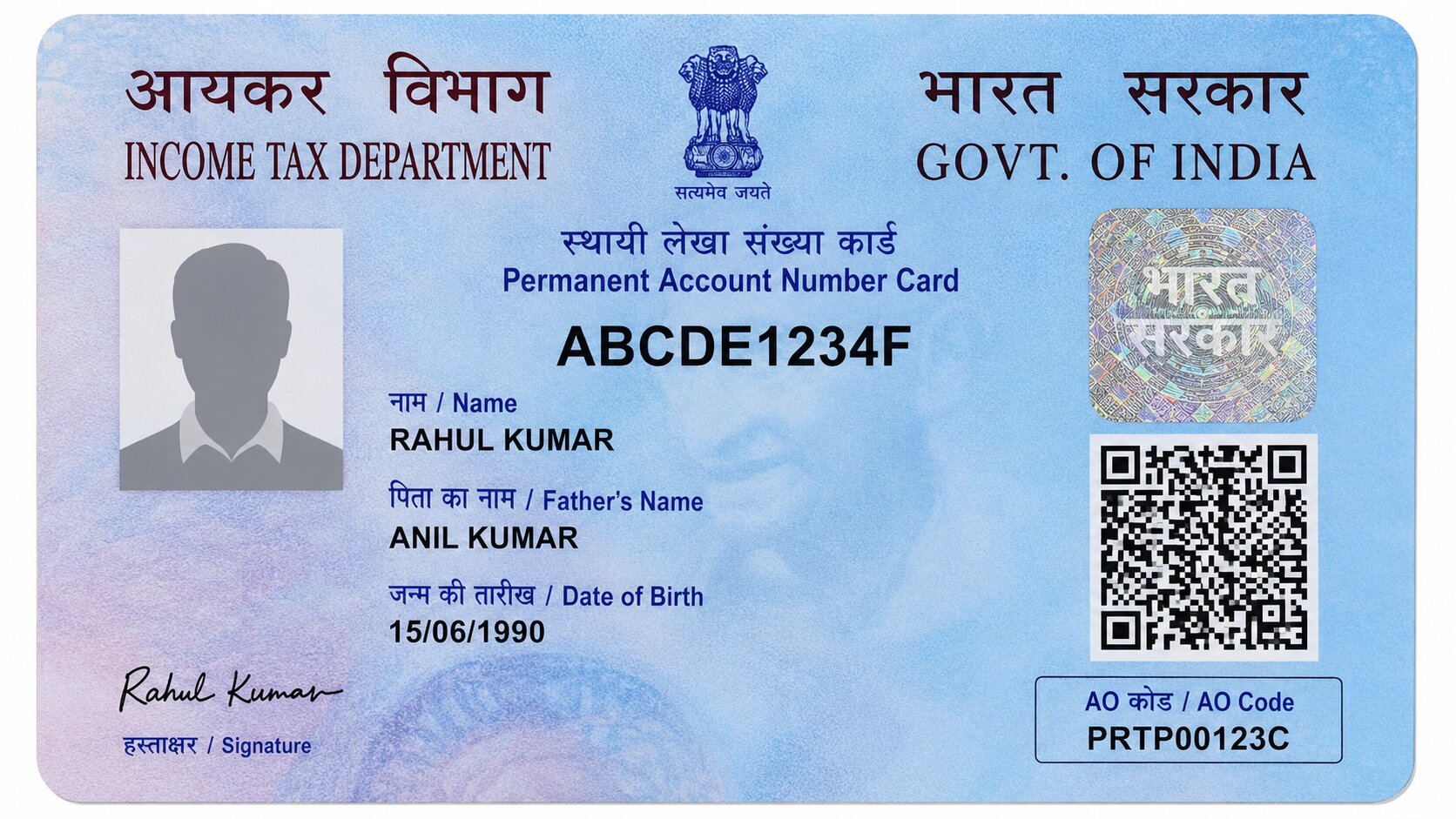
Before and after any correction, check your actual jurisdiction so you know what you are fixing and whether the fix worked. Use the "Know Your AO" service on the Income Tax e-filing portal: enter your PAN and registered mobile number, verify with an OTP, and your current AO details appear. The card itself does not print the AO code, so this lookup is the only reliable way to see it.
What If the Application Is Still Being Processed?
If you have just submitted and the PAN has not been issued yet, you generally cannot mid-edit the AO code. The practical approach is to wait until the PAN is allotted, confirm the assigned jurisdiction through "Know Your AO", and then apply for the correction if it is still wrong. Trying to fix it before allotment usually is not possible.
Avoiding the Mistake Next Time
For future applications or for anyone reading this before they submit:
- Identify your category first: individual (salaried or non-salaried) or non-individual.
- Use the right address: office for salaried and businesses, residential for non-salary individual income.
- Search the official Protean or UTIITSL tool by your correct city.
- Read the description and match your PIN code, surname split where relevant, and income type.
- If two entries look similar and you are unsure, confirm with the local Income Tax Office before submitting.
Bottom Line
A wrong AO code is correctable and does not threaten your PAN. If only the jurisdiction is off, apply through the AO migration route. If the address was wrong, file a PAN correction and let the jurisdiction reassign. Confirm your current AO through "Know Your AO" before and after. And since the department also reorganises wards over time, if anything is unclear, the local Income Tax Office is the reliable place to confirm your correct jurisdiction.
Disclaimer: This is an informational guide, not a government website. AO codes and jurisdiction are managed by the Income Tax Department of India. Always verify details and complete corrections through the official Income Tax or Protean (NSDL) portals.