How to Update Your AO Code on an Existing PAN Card
Most people never think about the AO code on their PAN card until something forces them to. You shift to a new city, your tax notices start going to an officer sitting in a state you left two years ago, or your refund gets stuck somewhere in the system. That is usually when the question comes up: how do I actually change this thing?
The short answer is that you do not edit the AO code directly. You update your address, and the AO code follows. But there is a bit more to it, and the process is different depending on whether you go online or offline. Here is how it works.
What the AO Code Actually Is
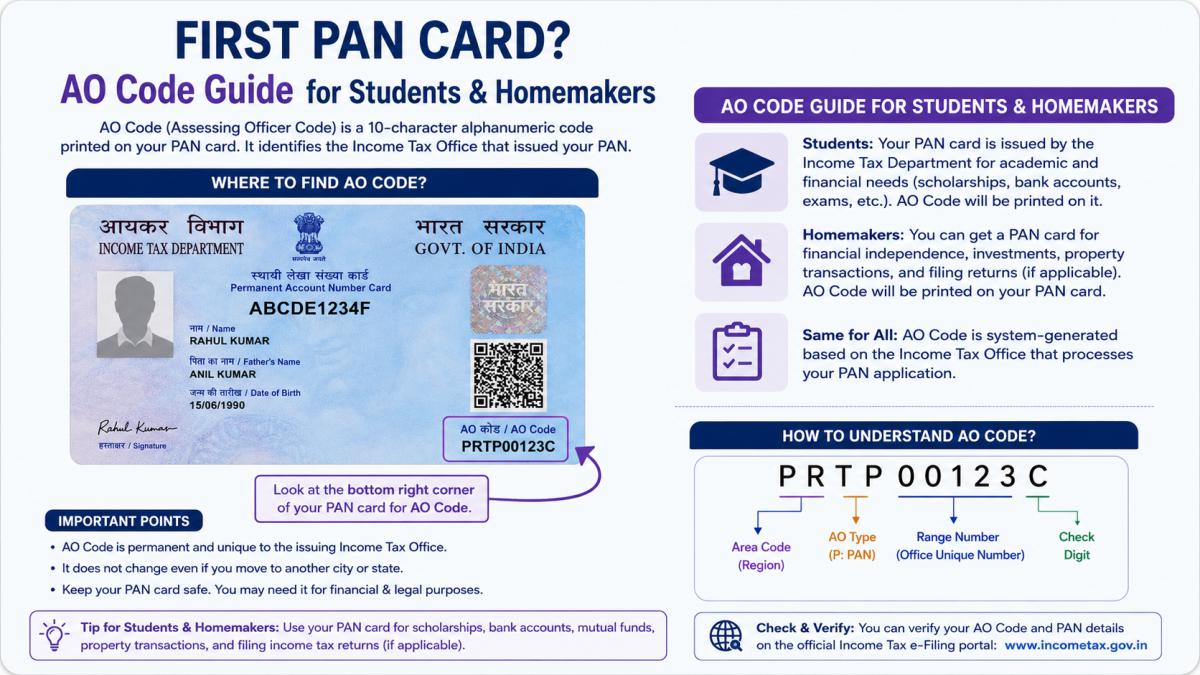
Every PAN card is tied to an Assessing Officer, the income tax officer responsible for handling your returns within a defined area called your PAN jurisdiction. The AO code is a combination of four parts: Area Code, AO Type, Range Code, and AO Number. Together they tell the Income Tax Department which office and which officer your tax matters belong to.
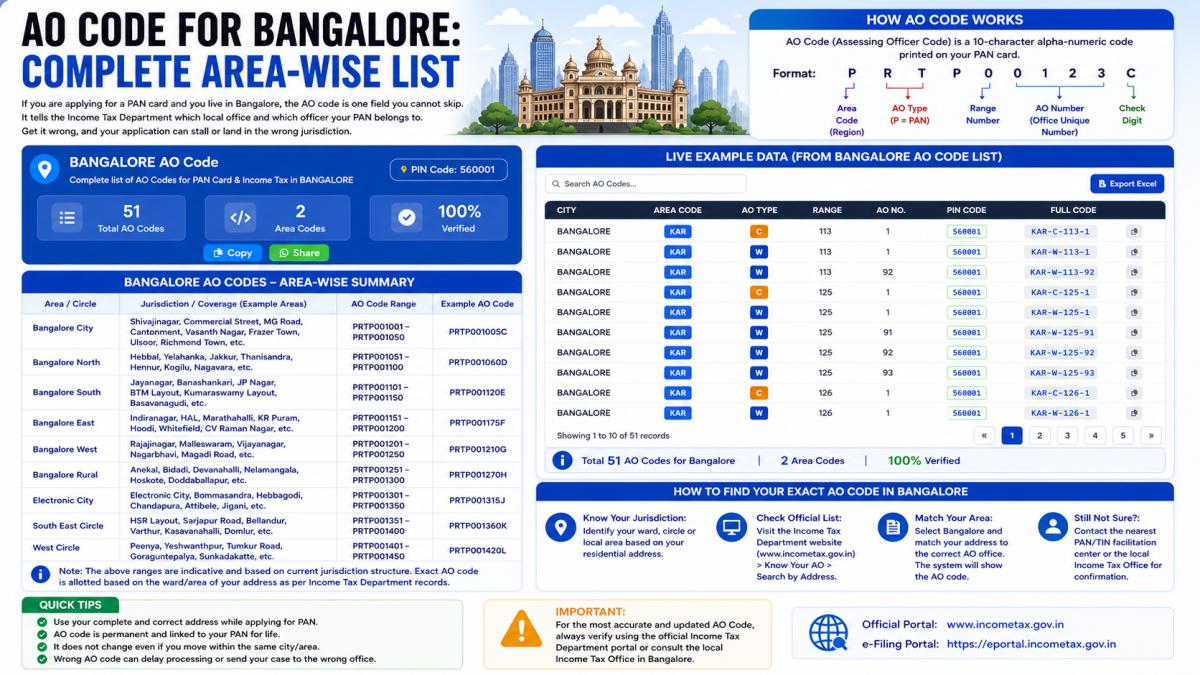
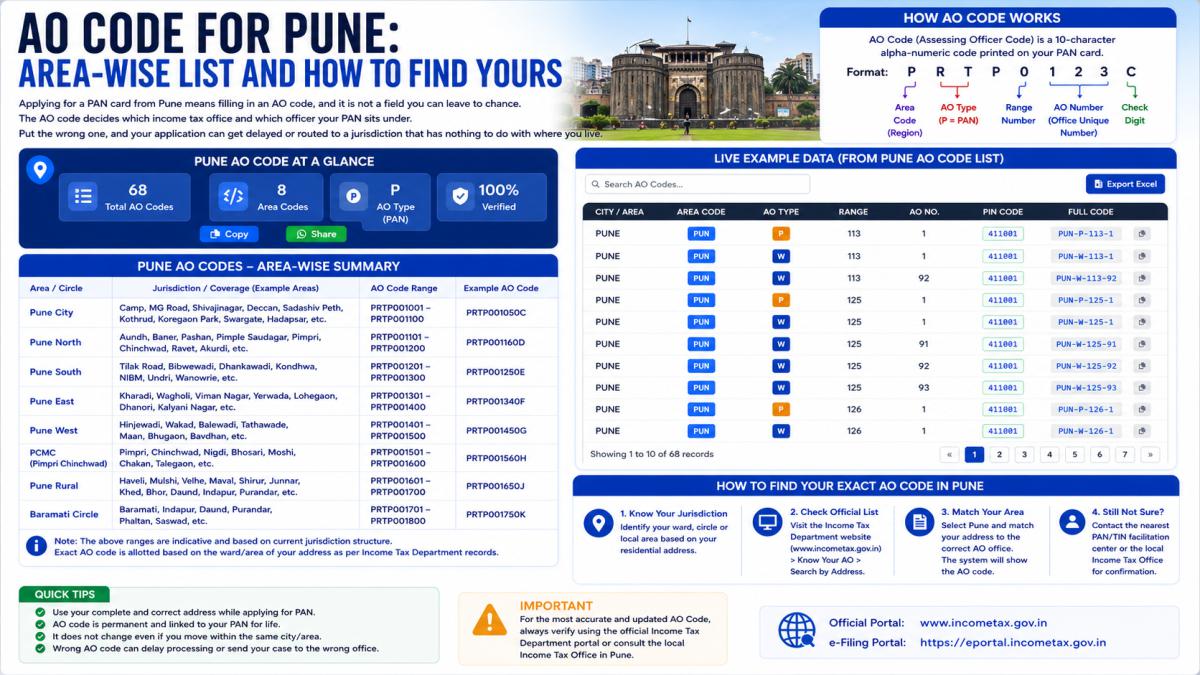
Your AO is decided mainly by two things: where you live (or where your business is based) and your income level. So when your address changes, the jurisdiction that should be handling your file changes too. That is the most common reason people need to update it.
When You Actually Need to Change It
You do not need to touch your AO code for no reason. The situations where it genuinely matters:
- You moved to a different city or state permanently and your tax correspondence should go to the local office now.
- Your refund or assessment is stuck and the officer handling it is in your old location.
- You received a notice from an AO whose jurisdiction no longer applies to you.
- You changed from being a salaried individual to running a business, or vice versa, and the jurisdiction type needs to reflect that.
One thing worth knowing: the AO code for any PAN can also change on its own over time, based on the Income Tax Department's own restructuring. So if you check your jurisdiction one year and it looks different the next, that is not necessarily because of anything you did.
First, Find Out Your Current AO
Before you change anything, check what your jurisdiction currently is. You can do this without even logging in.
Without logging in:
- Go to the Income Tax e-filing portal at incometax.gov.in.
- Under the "Quick Links" section, click on "Know Your AO".
- Enter your PAN and registered mobile number, then click Continue.
- Enter the OTP sent to your mobile and click Validate.
- Your AO details will show up: area code, AO type, range code, AO number, the building name, and the email of your ward office.
If you prefer logging in:
- Log into the e-filing portal with your PAN and password.
- Go to Profile Settings, then My Profile.
- Click "Jurisdiction Details" in the left column. Your AO information is there.
Note this down before you start the change process, so you can confirm later whether the update actually went through.
The Online Method (Through Address Change)
This is the route most people take, and it works because the AO code is linked to your address. Update the address, and the jurisdiction reassigns automatically once the change is processed.
- Go to the Protean (formerly NSDL) TIN portal at protean-tinpan.com.
- Scroll down and click "Apply Now" under the heading "Change / Correction in PAN Data".
- Fill in your personal details as requested.
- Under the "Contact & Other Details" section, tick the address column and enter your new address.
- Upload the required documents (an address proof that matches the new address), make the payment, and submit.
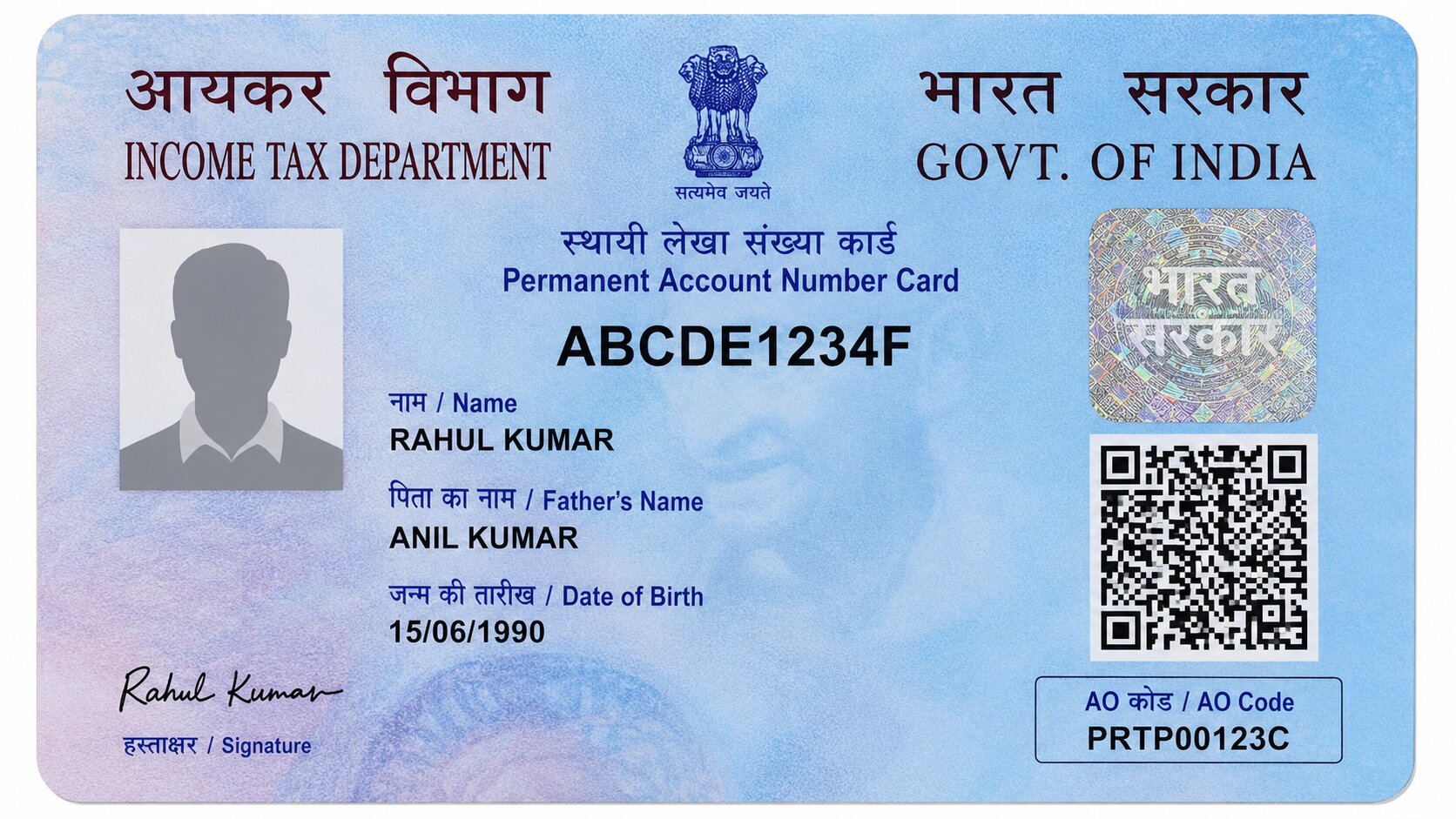
After this, a new PAN card with the updated address gets issued, and the AO code changes to match the new jurisdiction. Based on what the tax portals report, this usually takes around 15 days. The card you hold does not show the AO code printed on it, so to confirm the change actually happened, go back and check "Know Your AO" once the request is processed.
The Offline Method (Direct Request to Your AO)
If you want the jurisdiction changed without necessarily reissuing the card, or your case is unusual, you can apply directly through the officers. This route is slower and involves a bit of back and forth.
- Write an application to your current AO requesting a change of jurisdiction, explaining the reason (usually the change of address).
- Separately, write to the new AO requesting that they take up your case, asking them to coordinate with your existing AO.
- Once your current AO approves, the application moves up to the Income Tax Commissioner.
- After the Commissioner signs off, your AO is officially changed.
In the application, include your full details: name, PAN, date of birth, current and new address, and a clear reason for the request. Both you and any authorised representative should sign it.
Online vs Offline: Which One
For most people, the online address-change route is simpler and there is less chasing involved. The offline method makes more sense when you have a specific dispute, a stuck assessment, or a situation where simply updating the address will not solve the jurisdiction problem cleanly. If you are unsure, the online method is the safer default.
A Few Things to Keep in Mind
- You cannot pick your own AO. The jurisdiction is assigned by the department based on your address and income, not your preference.
- The change is not instant. It goes through verification before it takes effect, whichever route you use.
- If online steps confuse you or your case is complicated, the local Income Tax Office can tell you your exact jurisdiction and guide you. That is also the only reliable place to confirm your current AO at any given moment.
- Keep your address proof ready and make sure it matches the new address exactly, otherwise the request can get rejected.
Bottom Line
Changing the AO code is really about getting your tax file into the right hands for where you actually live now. You do not edit the code itself; you update your address through the Protean portal, or you apply directly to your officers if your situation needs it. Check "Know Your AO" before and after so you know it worked. The whole thing is mostly waiting, not paperwork.