AO Code for Pune: Area-Wise List and How to Find Yours
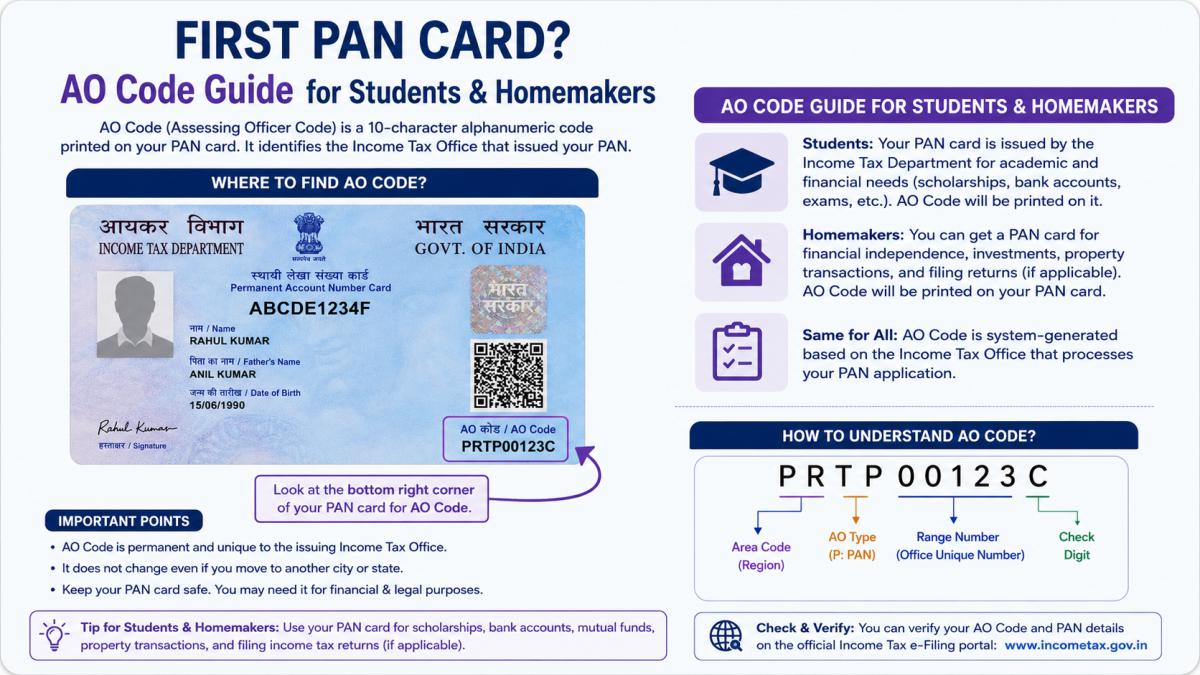
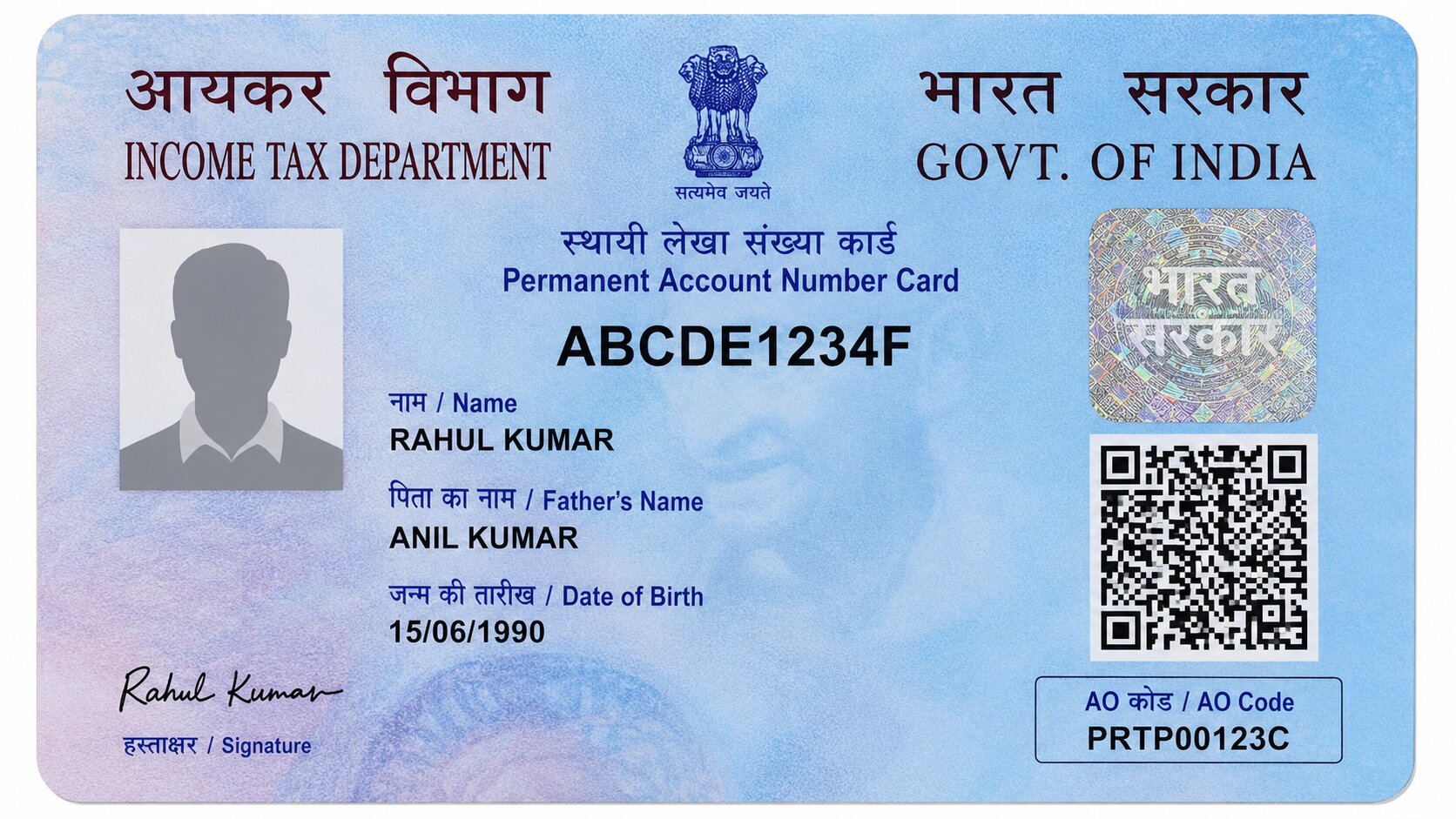
Applying for a PAN card from Pune means filling in an AO code, and it is not a field you can leave to chance. The AO code decides which income tax office and which officer your PAN sits under. Put the wrong one, and your application can get delayed or routed to a jurisdiction that has nothing to do with where you live.
Pune's jurisdiction is split across many circles and wards, and the official descriptions are dense. This guide explains how the Pune AO code is built, how the city is divided, and the reliable way to find the exact code for your address.
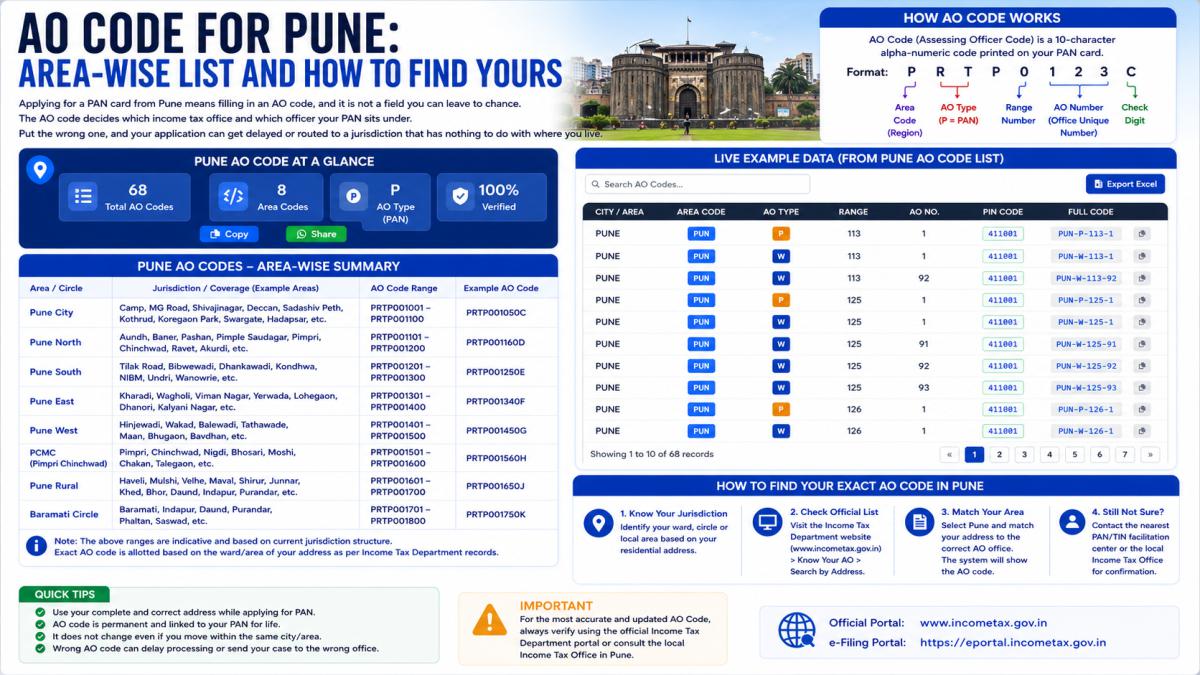
The Pune Area Code: PNE
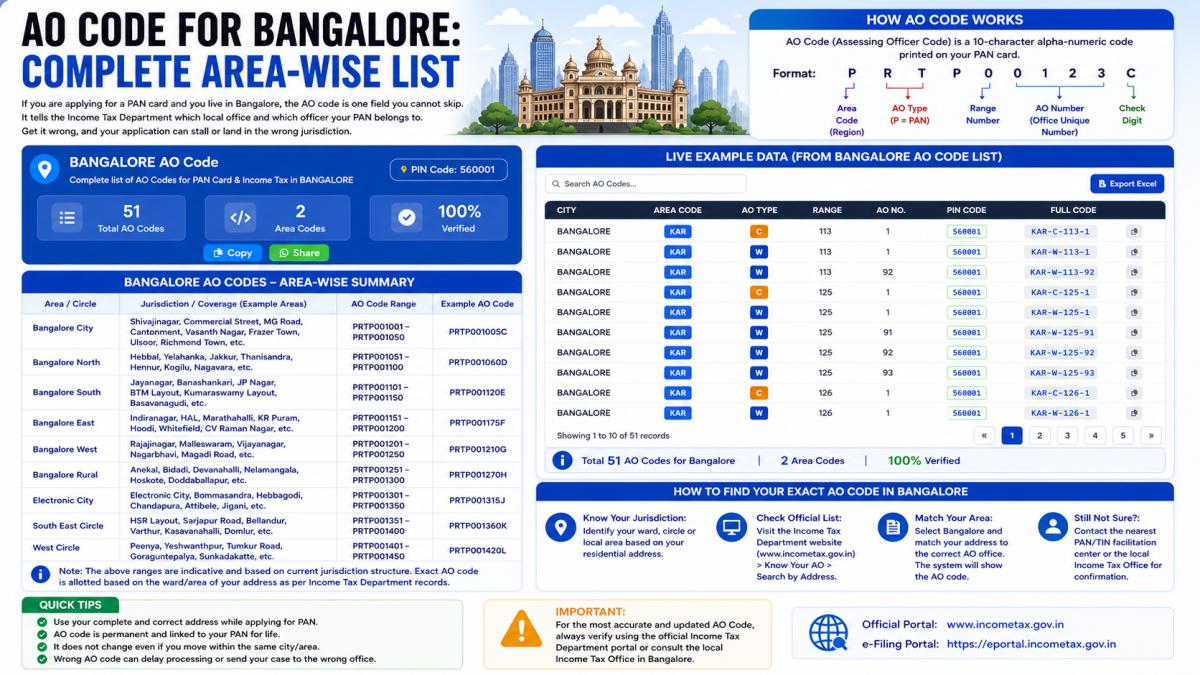
Every AO code opens with a three-letter area code for the city or region. For Pune, that code is PNE. So no matter which ward or circle you end up in, the first part of your code reads PNE.
The complete AO code has four parts:
- Area Code: the region, PNE for Pune.
- AO Type: a letter for the kind of jurisdiction. W means Ward, C means Circle.
- Range Code: a number for the specific range, ward, or circle covering your address.
- AO Number: the number of the individual Assessing Officer in that range.
So a Pune code reads as PNE, then a type letter, then a range number, then an AO number. The PNE part is fixed; everything after it depends on your locality and taxpayer type.
Ward vs Circle in Pune
In the AO type, W stands for Ward and C stands for Circle. Both are units of the Income Tax Department, and Pune uses both. You will see entries like Circle 2, Pune and Ward 4(2), Pune in the official lists. Generally, circles handle higher-income and company cases while wards handle the rest, but the exact division is set by the department. You do not need to work this out yourself, since the search tool flags the right one for your profile.
How Pune Jurisdiction Is Split
Here is the part that is genuinely specific to Pune. The income tax jurisdiction for the city is divided in two main ways, and often a combination of both:
- By PIN code: certain circles cover specific PIN codes. For instance, the official jurisdiction lists tie particular Pune circles to PIN codes such as 411009, 411037, 411043, and 411046, among others. Pune's PIN codes broadly run from 411001 to 411090.
- By surname alphabet: within a jurisdiction, cases are sometimes split by the first letter of your name. You will see descriptions like "name starting with alphabet N" attached to a particular circle.
On top of that, the same area is further split by whether your income is from salary, from business or profession, or whether you are a company. This is why a single locality can show several entries, each meant for a different kind of taxpayer.
Know Your Category Before You Search
Before opening any list, be clear on which category you fall into, because Pune has separate codes for each:
- Individual (salaried or non-salaried): shown as the "P" category, meaning a person. Most personal PAN applicants are here.
- Non-individual: companies, firms, trusts, and similar entities, listed apart from individuals.
Picking the wrong category gives you a code that does not match your profile, so settle this first.
How to Find Your Exact Pune AO Code
The full Pune list is long and the department revises it over time, so the dependable approach is the official search tool, not a code copied from somewhere. Two government-authorised options exist.
Through the Protean (NSDL) PAN portal:
- Open the Protean PAN AO Search page.
- Use the alphabetical list to reach your city and select Pune.
- A table of Pune AO codes appears, each row showing the area code (PNE), AO type, range code, AO number, and a description.
- Read the descriptions and match the one that fits your address, your income type, and where relevant your surname's first letter.
Through the UTIITSL portal:
- Go to the UTIITSL PAN Card Services section and open "Search for AO Code Details".
- Choose the AO code type, then click View Details.
- Select Pune from the city list using the matching alphabet.
- The Pune AO codes display with all four parts and their descriptions.
If you already hold a PAN and only want to confirm your current jurisdiction, the Income Tax e-filing portal has a "Know Your AO" option under Quick Links. Enter your PAN, verify with an OTP, and it shows your assigned officer.
Matching Your Address to the Right Entry
When the Pune list opens, expect several rows, not one. To narrow it down:
- Confirm the area code reads PNE.
- Filter to your category first: individual (P) for a personal PAN.
- Check the PIN code in the description against your own PIN code.
- Check whether the entry is split by surname alphabet, and confirm your name fits the range.
- Read whether it covers salary income, business income, or companies, and match that to your situation.
If two entries both seem to cover your area and you cannot tell them apart, stop there and confirm rather than guessing.
A Word on "Fixed" Pune Lists
Some sites publish a full, supposedly permanent Pune AO code table. Treat those with caution. The Income Tax Department reorganises its wards and circles from time to time, so any static list can drift out of date. The PNE area code is stable, but the range and AO numbers tied to a given locality can change. That is precisely why the official search tools exist, and why the department advises contacting the local Income Tax Office to confirm the AO for any PAN at a given moment.
When You Are Unsure, Ask the Local Office
If the descriptions are not clear for your specific address or PIN code, the most reliable step is to contact your jurisdictional Income Tax Office in Pune. They can confirm the exact current AO code for where you live. For a one-time PAN application, that quick check is worth it to avoid a rejected or misrouted form.
Bottom Line
For Pune, your AO code always begins with PNE, and the rest is decided by your PIN code, your income type, sometimes your surname, and whether you are an individual or an entity. Do not lift a random code off the internet. Open the official Protean or UTIITSL search, select Pune, pick your category, and match the description to your address. If anything is unclear, confirm with the local Income Tax Office before submitting.
Disclaimer: This is an informational guide, not a government website. AO codes are set and updated by the Income Tax Department of India. Always verify your code through the official Income Tax, Protean (NSDL), or UTIITSL portals before submitting your PAN application.